
Top 5 Linux Distros - Our Picks
Which Linux distro is the best? This is a question that's asked a lot and always results in lengthy discussions that never result in a conclusive answer. There is no such thing as the best distro, but there definitely is such a thing as good distros.
These are our picks in terms of distros we think are good all-rounders that can be used for gaming and productivity with plenty of online support. This list is in no particular order.
Ubuntu
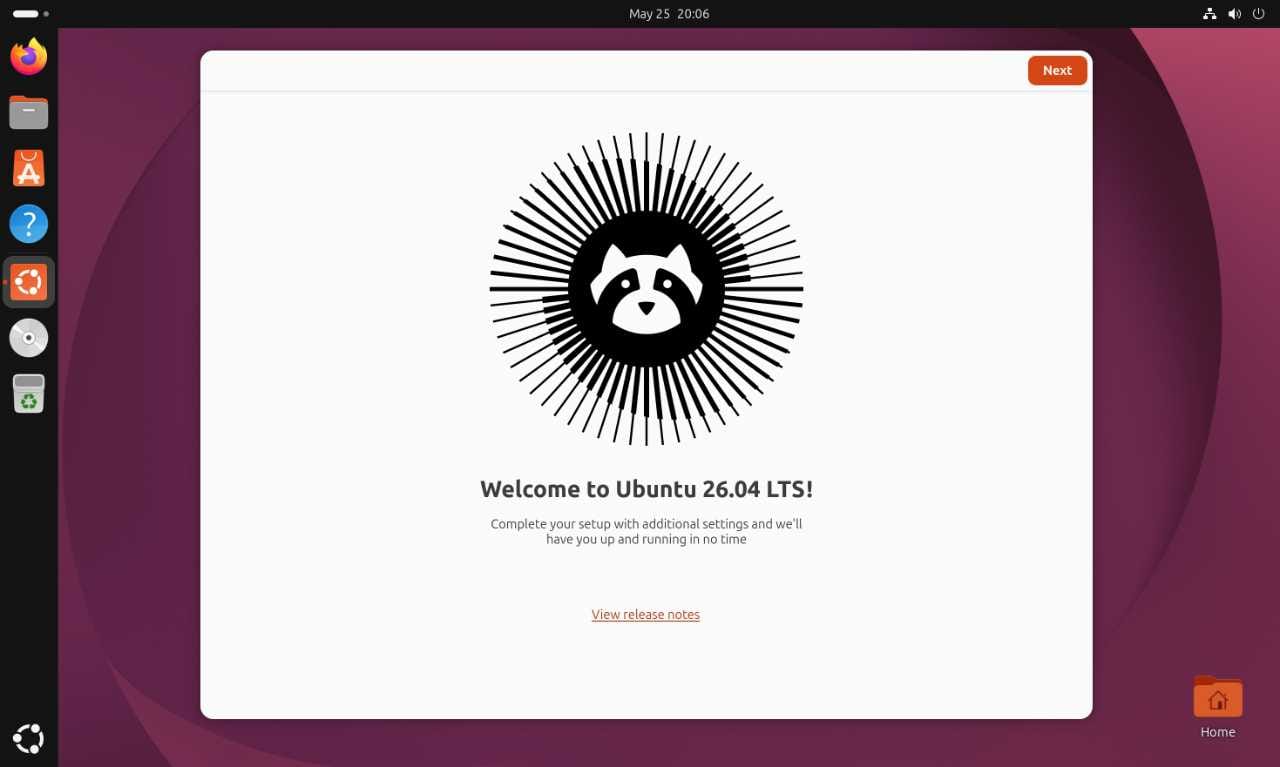
Ubuntu, love or hate it, is a high-quality Linux distro that has matured nicely over the years. When it comes to installing it and trying to get work done, for us, it requires very few changes from default to get it set up for our workflow.
We like its simple desktop that's based on Gnome with only a couple of extensions. We like the included software and the ease of use when it comes to updating it, the five years of support for the LTS editions and the overall stability combined with relatively new packages.
Even though Ubuntu is quite easy to set up and use, don't assume it's for beginners. It is infinitely customisable and is available in multiple versions with various desktop environments.
Fedora
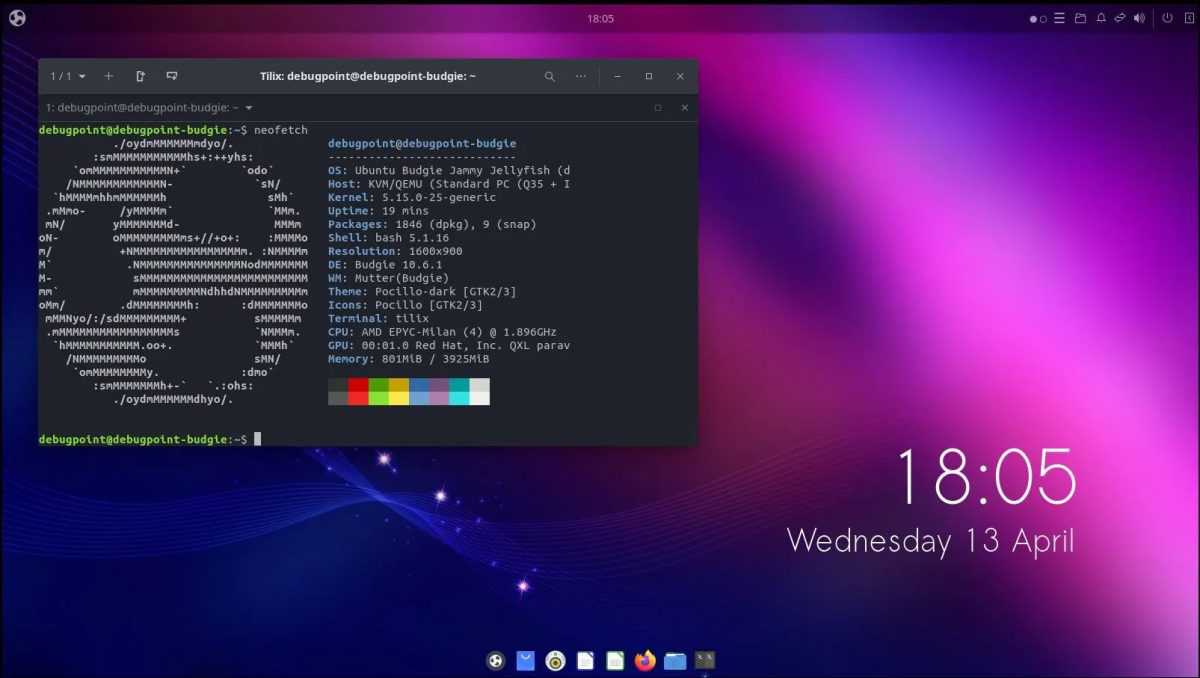
Fedora is similar to Ubuntu in the sense that it is a general-purpose distro and has been around for years and years. It updates to very new packages with similar levels of support and documentation as Ubuntu. The default version also ships with the Gnome desktop environment, but unlike Ubuntu, it's in its vanilla form.
We normally add a couple of extensions to get it to our liking, but besides that, it's more or less ready to go, not long after installation. Fedora can be used for gaming, video editing, document creation, etc since it's not targeting a specific work environment. This also means that you can make changes to it to get it tweaked to work precisely the way you want it.
Nobara Linux
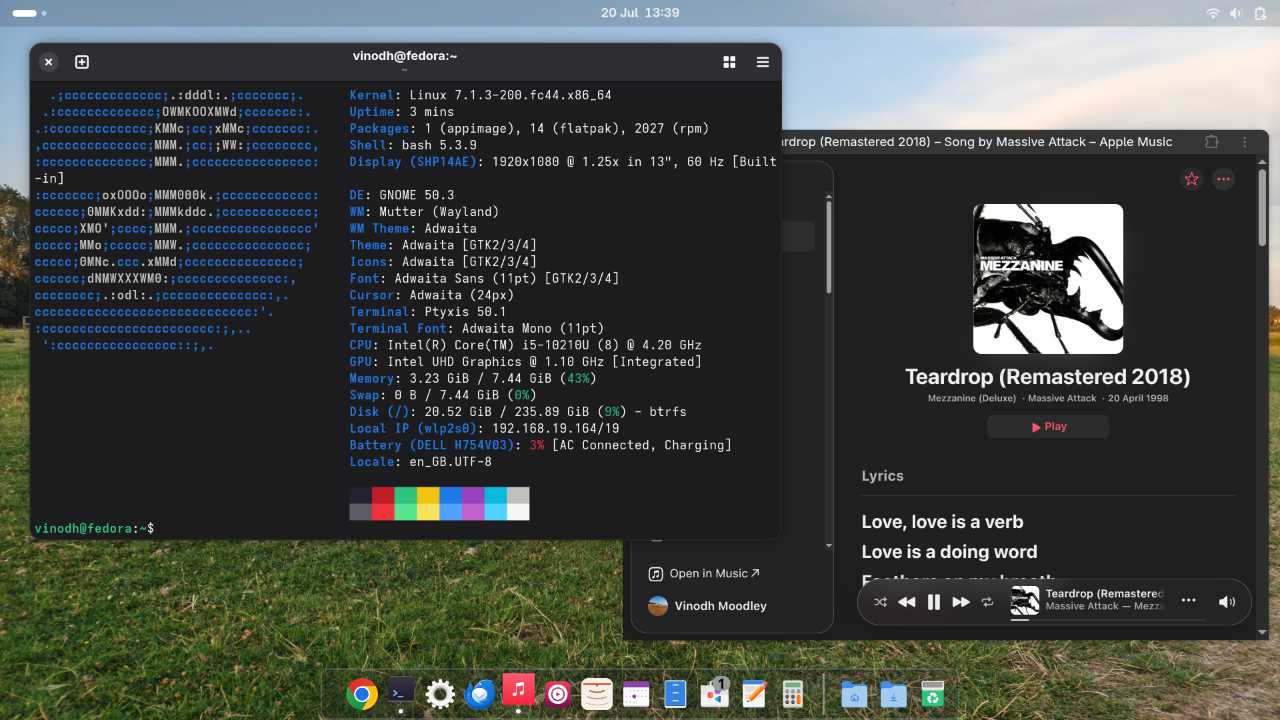
Following up nicely on Fedora is Nobara Linux. Based on Fedora, Nobara uses the same RPM package format but has been changed to have a patched Linux kernel, modified packages and various other modifications that allow it to be aimed mainly at gamers. It's fast and has GPU drivers available on launch, combined with suggested updates and software when you reach the desktop for the first time.
We use Nobara on one of our gaming rigs mainly for Counter-Strike 2, and it works amazingly well. CS2 runs perfectly smoothly, even at 165Hz with no signs of stutter or frame drops.
Nobara is a different style of distro when compared to Ubuntu and Fedora. It makes decisions on performance, packages, drivers, etc before you even install it, but if you want a super fast gaming-oriented distro that can also work perfectly fine for productivity, then Nobara is worth a look.
SteamOS
The first three distros in this article are all capable of being good all-rounders, but SteamOS is different. It's aimed fully at gamers and is the default OS found on the Steam Deck and Steam Machine.
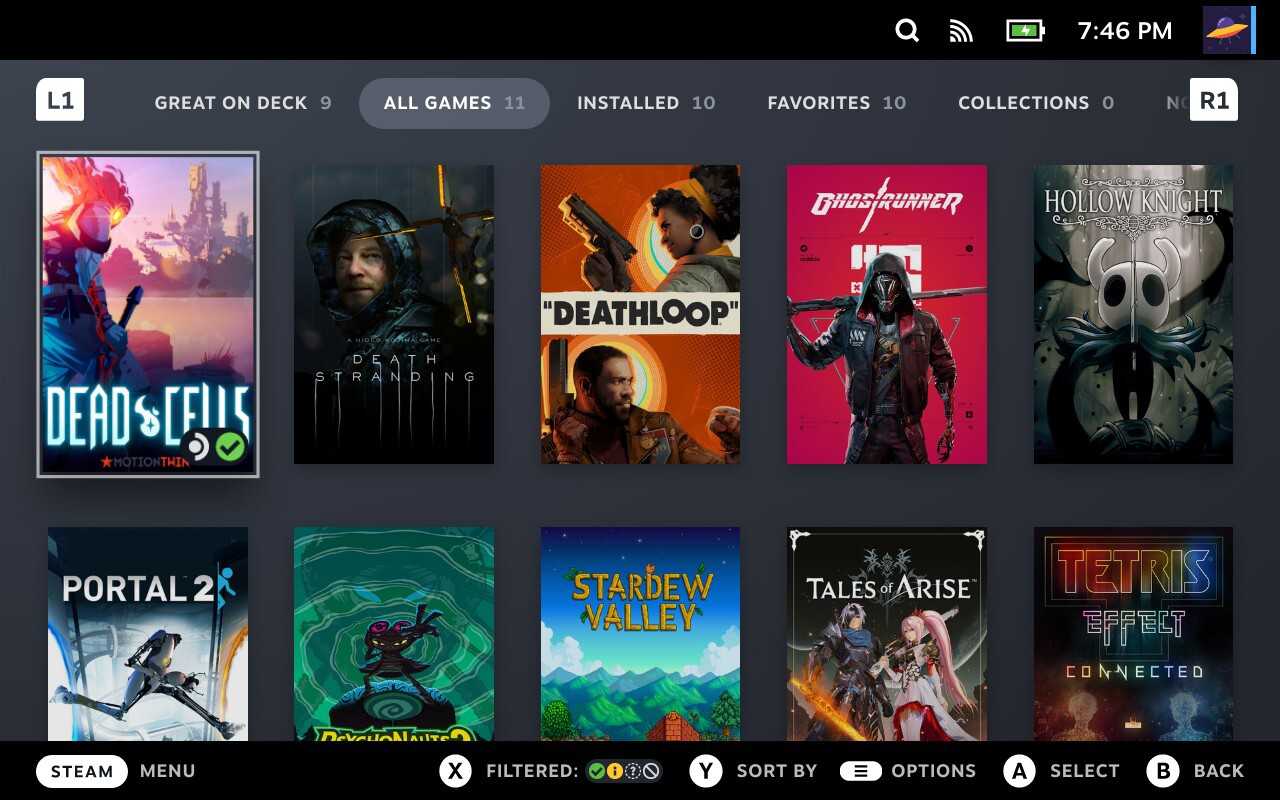
However, we think that the Steam Deck and Steam Machine's biggest contribution to Linux and more specifically Linux gaming is SteamOS. We see more value in the software than the hardware, mainly because you can now install SteamOS on just about any PC that has a supported AMD GPU.
We tried it on our gaming rig that has an intel i9 9900K CPU and AMD Radeon 5700 XT GPU, and it works a treat. SteamOS boots straight to a console-style interface and works best when operated with a gamepad. We used a PS5 controller and that worked without needing to configure anything extra.
SteamOS has a desktop mode, and when enabled, the Steam Big Picture mode vanishes and is then replaced with a full-blown KDE desktop. You can then use it like a regular desktop OS, but a mouse and keyboard will be required for a good experience.
If you want to try out SteamOS and have the required hardware, you can always have a look at our Wiki for some installation and troubleshooting help.
Arch Linux
A leopard is an amazing animal. It's fast, powerful and looks gorgeous. However, sooner or later, it will bite you in the ass. That's more or less how we feel about Arch Linux.
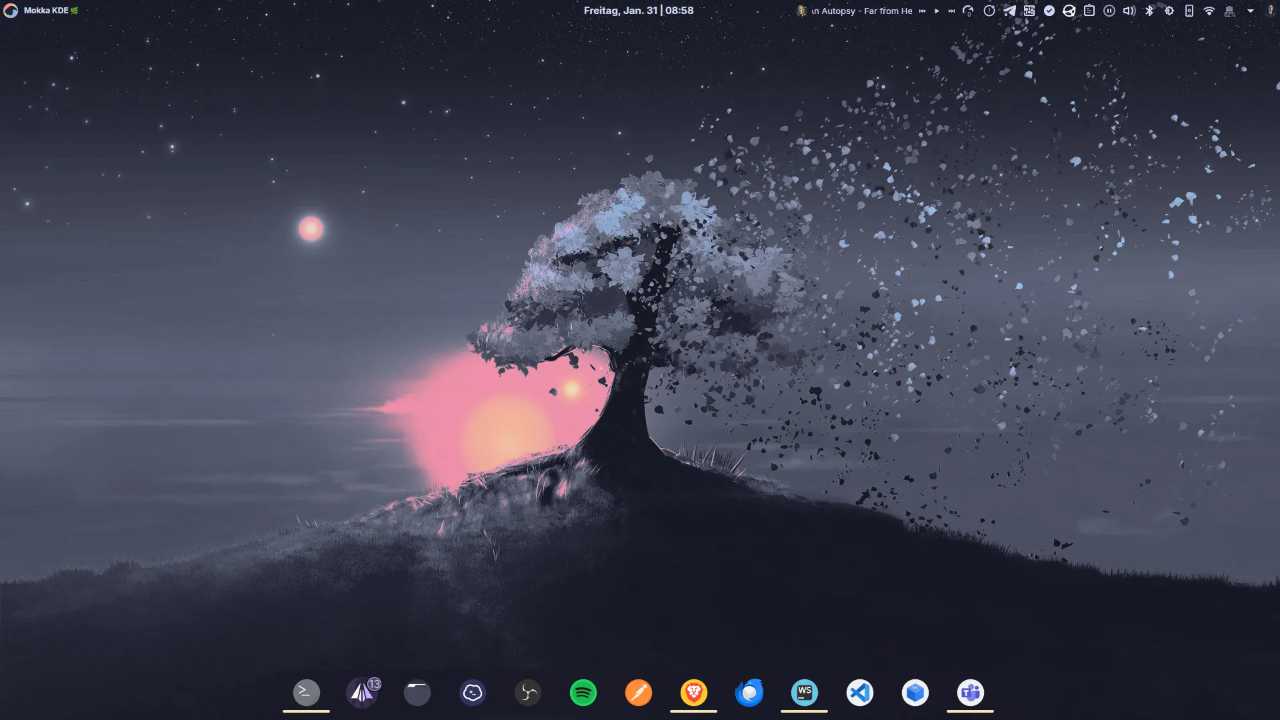
These days, with the help of the ArchInstall script, installation is easier than ever before, and you can end up with a fast distro that can be configured to be precisely the way you want it. Updates will always be the latest, and you will have access to the massive library of software via the Arch User Repository.
Our experience, however, has shown that when you least expect it, Arch will break. It can be fixed, but having this happen now and then can be a pain for a lot of people. Others can have a super stable Arch experience, but we haven't seen this ourselves.
Final thoughts
This was not a review of five Linux distros by any means. It's just a quick run through of what we experienced using these distros and what we think they could be used for.
To recap, Ubuntu and Fedora are amazing general-purpose operating systems that promise excellent support in terms of documentation, forums, packages, etc but are not optimised in a specific direction. Nobara is a gaming-oriented distro first but can be used for productivity without any issues. SteamOS is gaming first with productivity coming distant second, and should be considered more as a gaming console OS to get the best experience. Arch is also general purpose with the ability to customise it to almost unheard of levels to extract maximum performance and stability, but can be temperamental with breakages occurring unexpectedly.
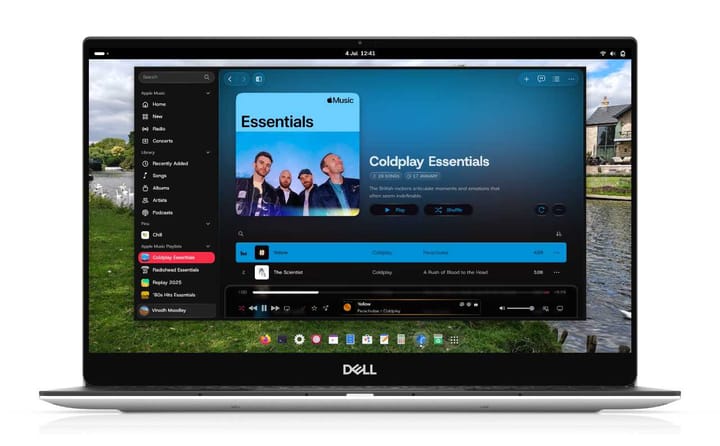
We're currently running Nobara on our gaming rig and Fedora on our Dell XPS 13 laptop. What distro are you running?
Comments ()