
Build your own music streaming service?
Apple Music, Spotify, YouTube Music, Tidal, Deezer, etc are just some of the music streaming services that provide a truckload of music in exchange for a monthly subscription fee.
There must be a better way?
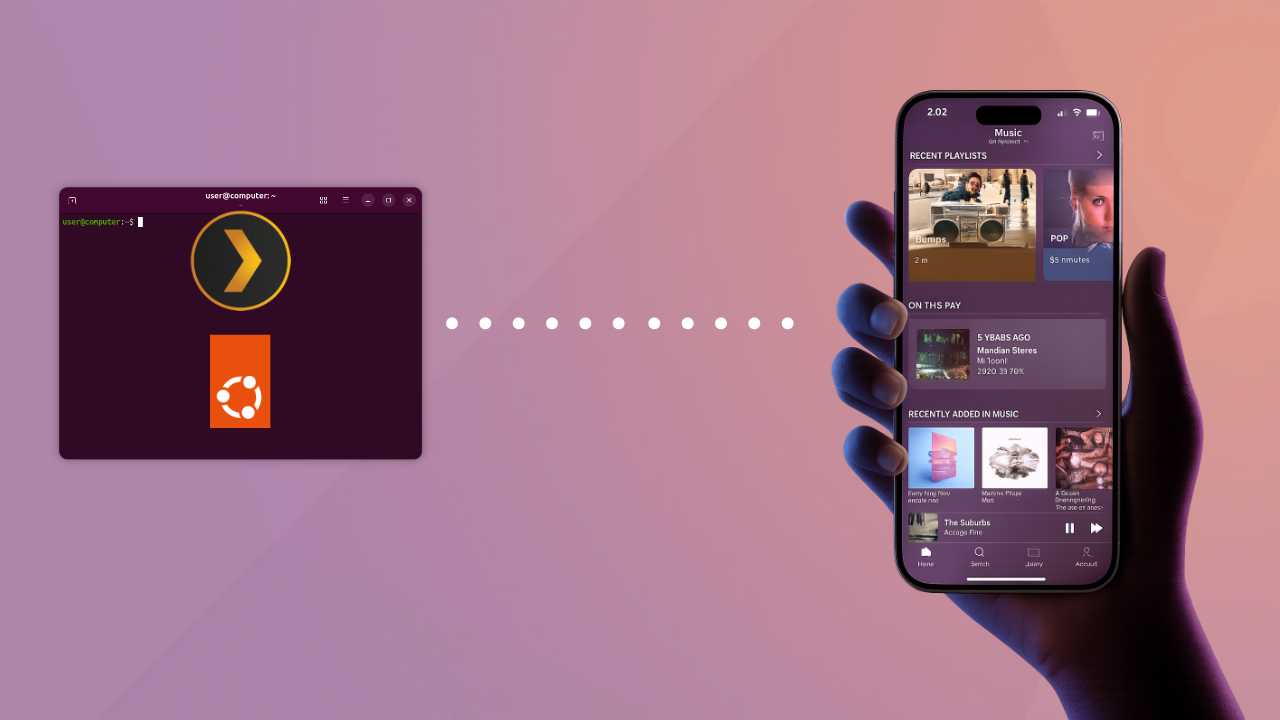
Two methods that we've tried recently work quite well by giving us the ability to stream our music without having to pay a monthly subscription fee. Both methods involve setting up a music server that contains all of our music and then streaming it to a client device like a phone, laptop, TV, etc.
Plex
Plex is free to use for music and is available on Windows, macOS and Linux. The easiest way to set it up is to use an old computer to run the operating system of your choice and install Plex Media Server on it. A good choice is Ubuntu Server since it requires very few resources but can be intimidating if you're not familiar with the command line. Ubuntu Desktop is also another good option but uses a bit more RAM.
To install Plex Media Server, follow the official guide here. Once you've set it up, you can then copy your music and set up your first library. If you plan to access your music outside of your house, then follow the remote access guide here.
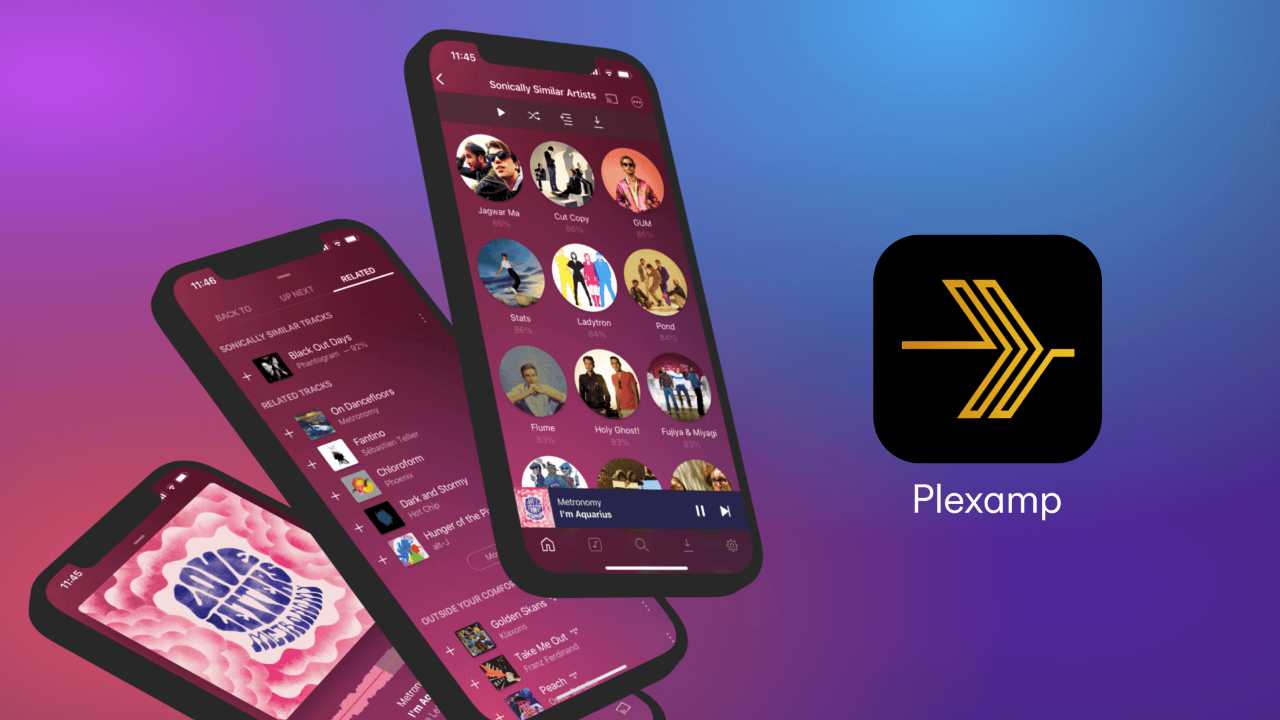
You can then install PlexAmp on your phone or laptop, log in using your Plex account, and start listening to music. Plex doesn't cost anything to set it up in this way, and streaming music remotely is free. However, if you want to download music from your server to your phone for offline listening, then that requires a Plex Pass.
Jellyfin
If you don't want to pay anything at all but still want to stream music as well as download music for offline access, then Jellyfin might be worth a look. Jellyfin works in the same way as Plex. You need to install a server app on a pc and then set it up with your music and allow for remote access. Jellyfin has support for Windows, macOS and Linux, so you shouldn't have a problem choosing an operating system and getting up and running. You can install Jellyfin by following the official guides here, and set up remote streaming by using the guide here.
Jellyfin isn't as user-friendly as Plex, but it more than makes up for it by giving you all of the features that Plex hides behind its Plex Pass, free of charge. Downloading music from the server to the client for offline access is free on Jellyfin, as well as hardware transcoding of video.
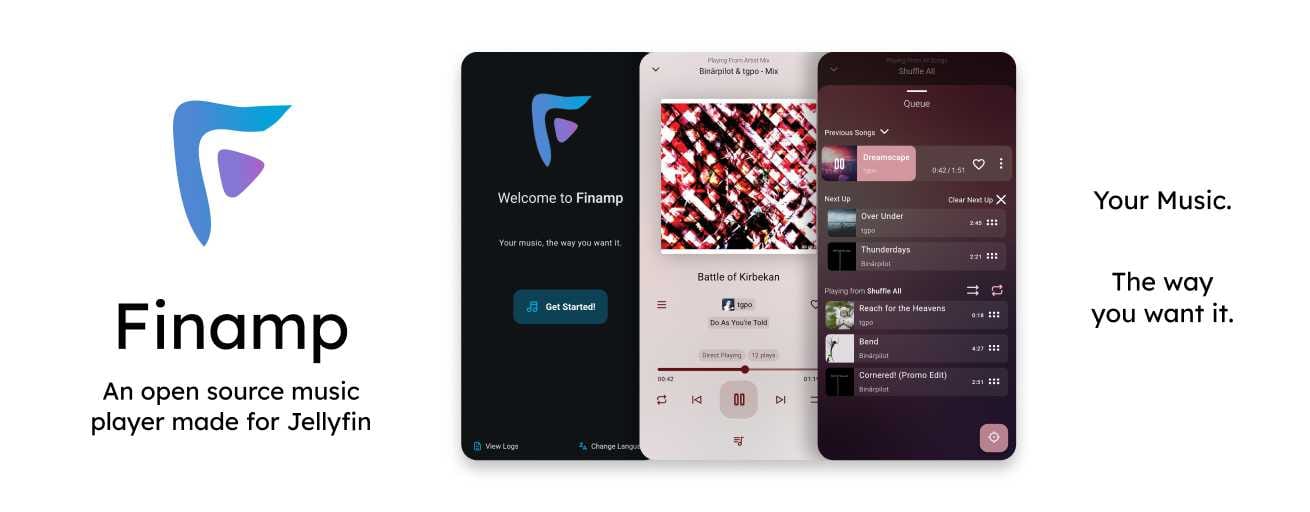
For music playback on your phone, we recommend Finamp. It's free, open source and works great for listening to music streaming straight from our Jellyfin server.
Final thoughts
This isn't an in-depth guide on setting up your own music streaming service, but it's more like a reminder of what's available and highlighting those options.
We use Plex and Plexamp for our music streaming setup. It works great and is probably the simplest way to get a self-hosted music streaming service up and running. Running Jellyfin is a viable option, but either one is perfectly usable.
We like the fact that both options provide server apps for Linux, and it is an actual workable system that can do away with paying for a monthly music streaming service.
Comments ()